
Use Copilot in Word to draft
Use Copilot in Word to draft, edit, and summarise documents in minutes
Automate tasks across Word, Excel, PowerPoint & Teams
Unlock the full power of Microsoft 365 Copilot across Word, Excel, PowerPoint, Teams, and Outlook. Learn to automate repetitive tasks, generate insights, and collaborate smarter.
Get Hands-On with Leading AI Tools
 Microsoft Copilot
 Word
 Excel
 PowerPointTeams
Official Course Title: Mastering Microsoft 365 Copilot (Financial Services Edition) – Work Faster, Think Smarter, Stay Compliant
Course Reference Number: TGS-2025059725 (IBF-Accredited)|Validity Period: 13-10-2025 - 12-10-2030
Mastering Microsoft 365 Copilot (Financial Services Edition) – Work Faster, Think Smarter, Stay Compliant is a two-day classroom course for office, finance, HR and administration professionals. Participants practise drafting, data analysis, presentations, meeting summaries and email management using Word, Excel, PowerPoint, Teams and Outlook. See Fees & Subsidies for applicable support and eligibility.
Who Will Benefit
Impact-driven results
Build practical, work-ready capability through guided activities, clear examples and applicable outcomes.
Use Copilot in Word to draft, edit, and summarise documents in minutes
Analyse data and generate Excel reports with natural language
Create polished PowerPoint presentations from briefs
Summarise Teams meetings and generate action items automatically
Manage email overload with Copilot in Outlook
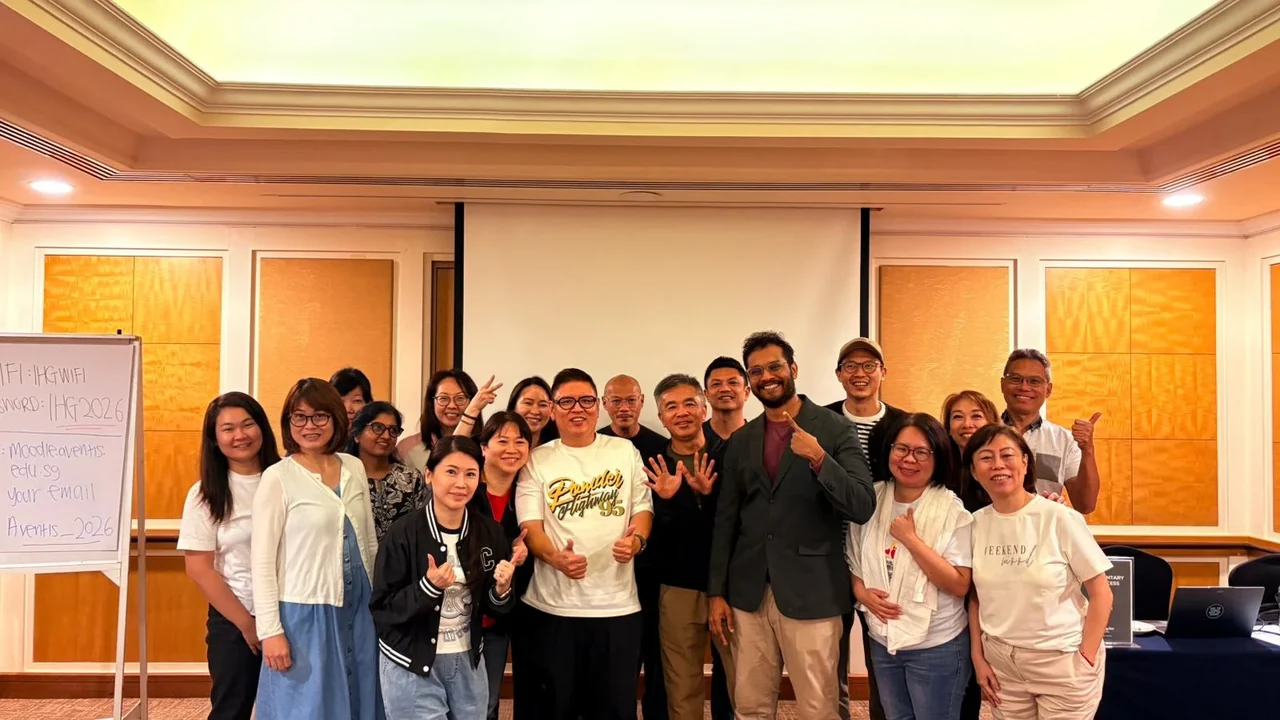
Google Reviews
★★★★★Practical training, thoughtful guidance and workplace-ready AI skills, in learners' own words.
★★★★★
“Joel is a great assistant during my M365 Copilot class. I have better understanding and experience in know how Copilot work. It saves time and being productive in my course work. I fully understand the purpose of this course and will recommend all beginners to attend this course. Worth the time of two days.”
Sally W
Google Review · December 2025
Course fees & funding
Compare illustrative out-of-pocket amounts after applicable course subsidies and SkillsFuture Credits.
* Illustrative best-case amounts only. Actual subsidies, SkillsFuture Credits (SFC), SFEC and final payable fees are subject to applicable eligibility, balances and verification. The displayed $1,635.00 fee is GST-inclusive. The separate S$20 registration-fee disclosure remains applicable.
Course information
Review the official course reference, fee disclosure, and funding availability in one place.
* Training venue is subject to change. Participants will be informed of any updates prior to the session.

AI consultant and cybersecurity trainer with over 20 years of experience. Kelvin guides learners through practical Microsoft 365 Copilot workflows across Word, Excel, PowerPoint, Teams, and Outlook, with responsible workplace adoption in view.

Jeremy Chia helps learners use Microsoft 365 Copilot to work smarter - from drafting content and summarising information to supporting research and analysis. Through practical examples and hands-on activities, he makes AI concepts easy to understand and helps learners build confidence in writing effective prompts and reviewing AI-generated responses. Learners gain practical skills they can apply at work to save time, simplify tasks and improve productivity.
Programme map
4 modules with detailed topics and outcomes.
Ready when you are
Next intake: 3–4 Dec 2026 · Max 20 pax