Mastering Microsoft 365 Copilot: New Features to Boost Your Productivity in 2026
Discover the latest Microsoft 365 Copilot updates including Copilot Cowork, Deep Citations, and Copilot Vision,and how they transform workplace productivity.
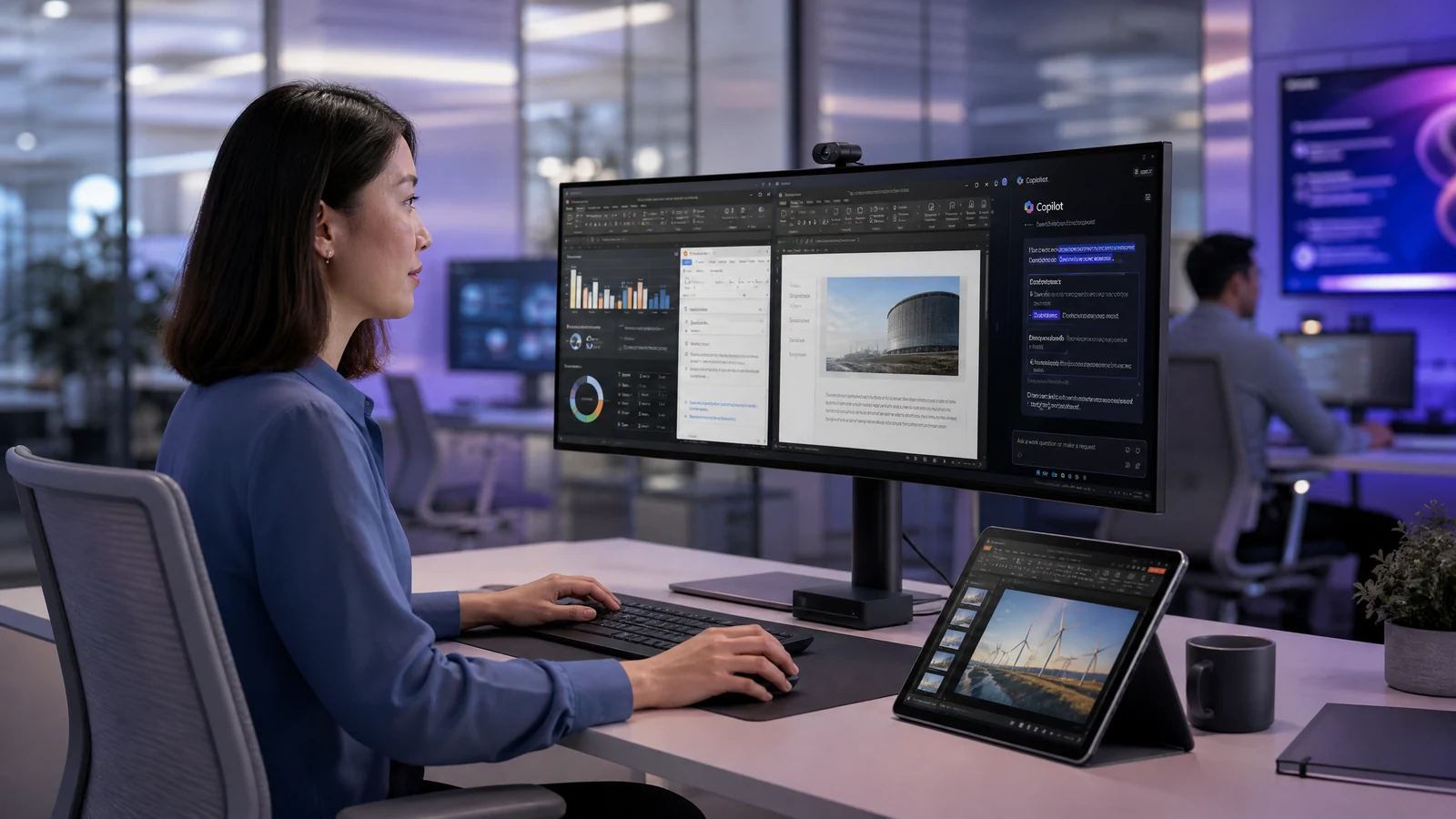
Mastering Microsoft 365 Copilot: New Features to Boost Your Productivity in 2026
The landscape of workplace productivity is rapidly evolving, and AI is leading the charge. For professionals in Singapore and globally, Microsoft 365 Copilot has become an indispensable tool. With the latest updates rolled out in June and July 2026, Microsoft has introduced a suite of powerful features designed to streamline workflows, enhance collaboration, and drive business efficiency. Let's explore the key updates and how you can leverage them to transform your daily operations.
Enter Copilot Cowork: Your Agentic AI Assistant
One of the most significant announcements is the general availability of Copilot Cowork. Unlike standard chat interfaces that provide recommendations or drafts, Copilot Cowork is an "agentic system" that plans, executes, and delivers completed tasks from start to finish.
Powered by Work IQ, Cowork integrates seamlessly with the systems your business already uses. Users can simply toggle between "Chat" and "Cowork" within the Microsoft 365 Copilot app. Whether you need to generate a comprehensive report, design a presentation using branded templates, or manage complex workflows across multiple platforms, Cowork handles the heavy lifting. It can even select the most appropriate AI model for the task,such as OpenAI's GPT 5.5 for deep research or Anthropic models for visual work,without requiring the user to manually choose.
For Singapore businesses, this is particularly relevant. Many organisations here manage multi-stakeholder projects across departments, and Cowork's ability to orchestrate complex, multi-step workflows autonomously can significantly reduce the time spent on administrative coordination.
Enhanced Data Reasoning and Deep Citations
Trust and accuracy are paramount when using AI for business decisions. Microsoft has addressed this directly by introducing Deep Citations. When Copilot provides an answer, it now links directly to the specific section of the referenced file,currently supporting Word and PowerPoint, with Web and PDF support coming soon. This allows users to quickly verify the source of the information, building confidence in the AI's output and reducing the risk of acting on unverified data.
Furthermore, Copilot can now reason over Power BI enterprise data. Users can ask natural-language questions and receive grounded insights directly from Power BI reports and semantic models, eliminating the need to manually build complex queries. For finance teams, operations managers, and analysts who rely on data-driven decisions, this is a game-changer.
Visual Intelligence with Copilot Vision
The way we interact with AI is becoming more intuitive. Copilot Vision, rolling out in July 2026, allows users to get answers based on what is visible on their screen or phone camera. Instead of trying to describe a complex dashboard, an error message, or a physical document, you can simply show it to Copilot and ask questions via a voice conversation. Copilot uses this visual context, combined with your work and web data, to surface insights and guide your next steps.
This feature is especially useful for professionals who frequently work with visual data,such as marketing teams reviewing campaign dashboards or operations staff troubleshooting system interfaces.
App-Specific Enhancements for Everyday Tasks
The latest updates also bring substantial improvements to the core Microsoft 365 applications that Singapore professionals use every day:
Word now features a "Copilot Catchup" content card that provides a quick recap of changes made to a document since you last opened it,ideal for teams collaborating on shared documents. You can also choose specific AI models when editing, giving you more control over tone and structure.
PowerPoint users benefit from Cowork's ability to utilise branded templates from your organisation's asset library. This means AI-generated presentations automatically adhere to your approved colours, fonts, and layouts, saving hours of post-generation formatting work.
Outlook now allows users to refine email drafts directly within the compose canvas. By selecting a section of text, you can ask Copilot to adjust the length, tone, or structure without rewriting the entire message,a small but highly practical improvement for professionals who send dozens of emails daily.
Practical Takeaways for Singapore Professionals
To maximise the benefits of these new Microsoft 365 Copilot features, consider the following steps:
-
Embrace Copilot Cowork for Complex Tasks: Identify recurring, multi-step processes in your workflow,such as monthly reporting or client proposal preparation,and delegate them to Copilot Cowork to save time and reduce manual effort.
-
Verify with Deep Citations: Always use the deep citation feature to trace AI-generated answers back to their source documents, ensuring accuracy in your reports and communications.
-
Leverage Branded Templates: Set up your organisation's brand assets in PowerPoint so that Copilot can automatically generate professional, on-brand presentations from the start.
-
Experiment with Copilot Vision: Start using visual context to get faster answers about data dashboards, complex documents, or physical materials,particularly useful in client-facing or operational roles.
-
Upskill Your Team: As these features become standard in the workplace, ensuring your team is proficient with Microsoft 365 Copilot is no longer optional. SFC-eligible training programmes can help your organisation stay ahead of the curve.
The pace of AI-driven productivity tools is accelerating, and Microsoft 365 Copilot's latest updates represent a significant leap forward. For Singapore professionals looking to remain competitive and efficient, now is the ideal time to deepen your understanding of these capabilities.
Microsoft 365 Copilot for Workplace Productivity
Automate tasks across Word, Excel, PowerPoint & Teams