Microsoft Copilot
Bring AI into your everyday work with Microsoft 365 Copilot. This certified course shows you how to use AI across Word, Excel, PowerPoint, Outlook, and Teams to work faster, write better, and make smarter decisions with no additional technical background required.
Course Name: Mastering Microsoft 365 Copilot (Financial Services Edition) - Work Faster, Think Smarter, Stay Compliant
Course ID: TGS-2025059725
Corporate Training Cost Calculator
Estimate your payable cost after subsidies
 Microsoft Copilot Course (per pax)
$1,635
 70% Course Subsidy
-$1,050
 SkillsFuture Credits Claimable
-$585
 Your Estimated Cost Per Pax
excl. GST, after support
$0
Beginner Friendly
No prior AI or technical experience required. Designed for professionals looking to apply AI confidently in daily work.
2 Day Course
Gain practical, job-ready AI skills through an intensive programme designed to deliver immediate workplace value.
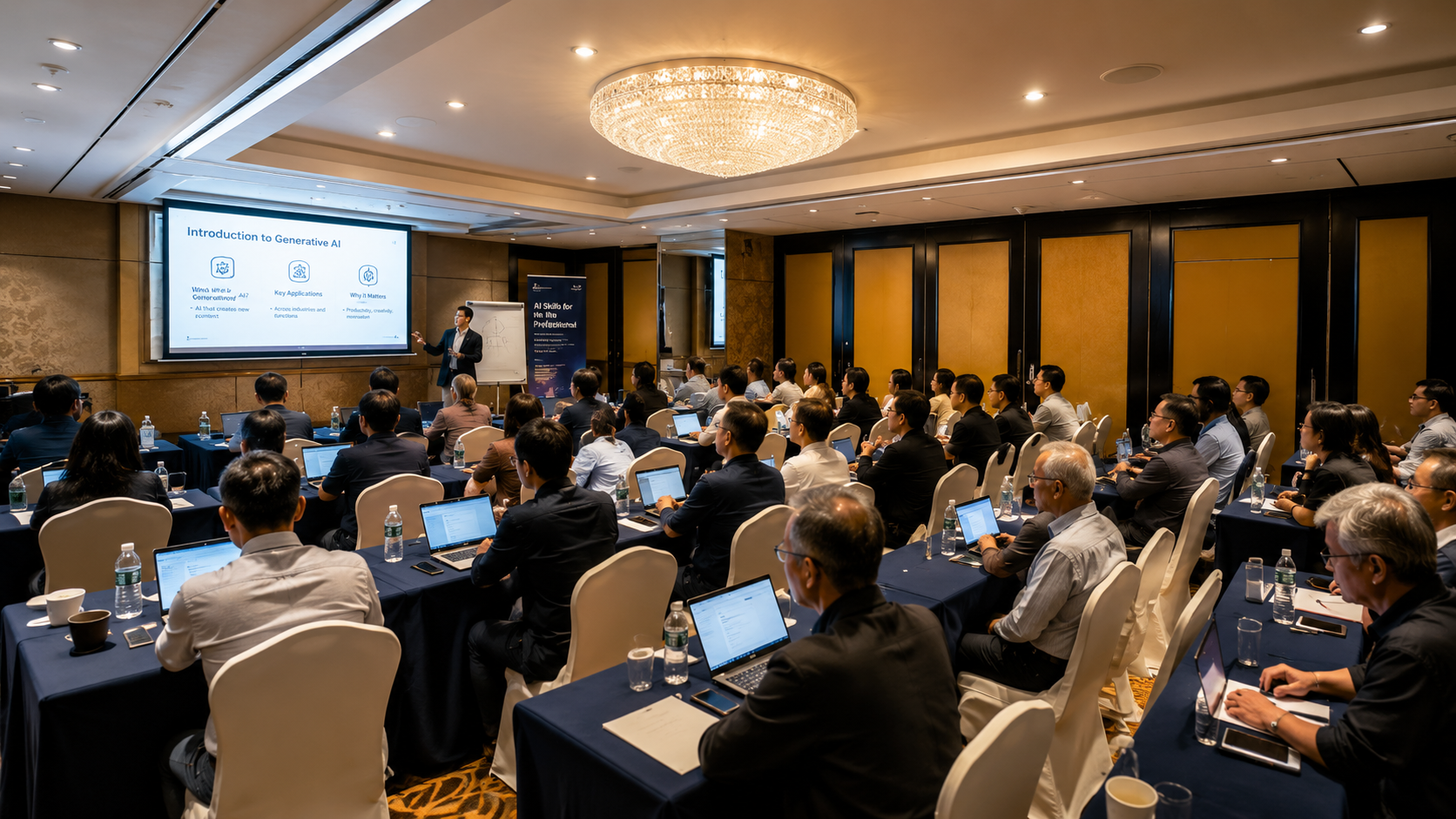
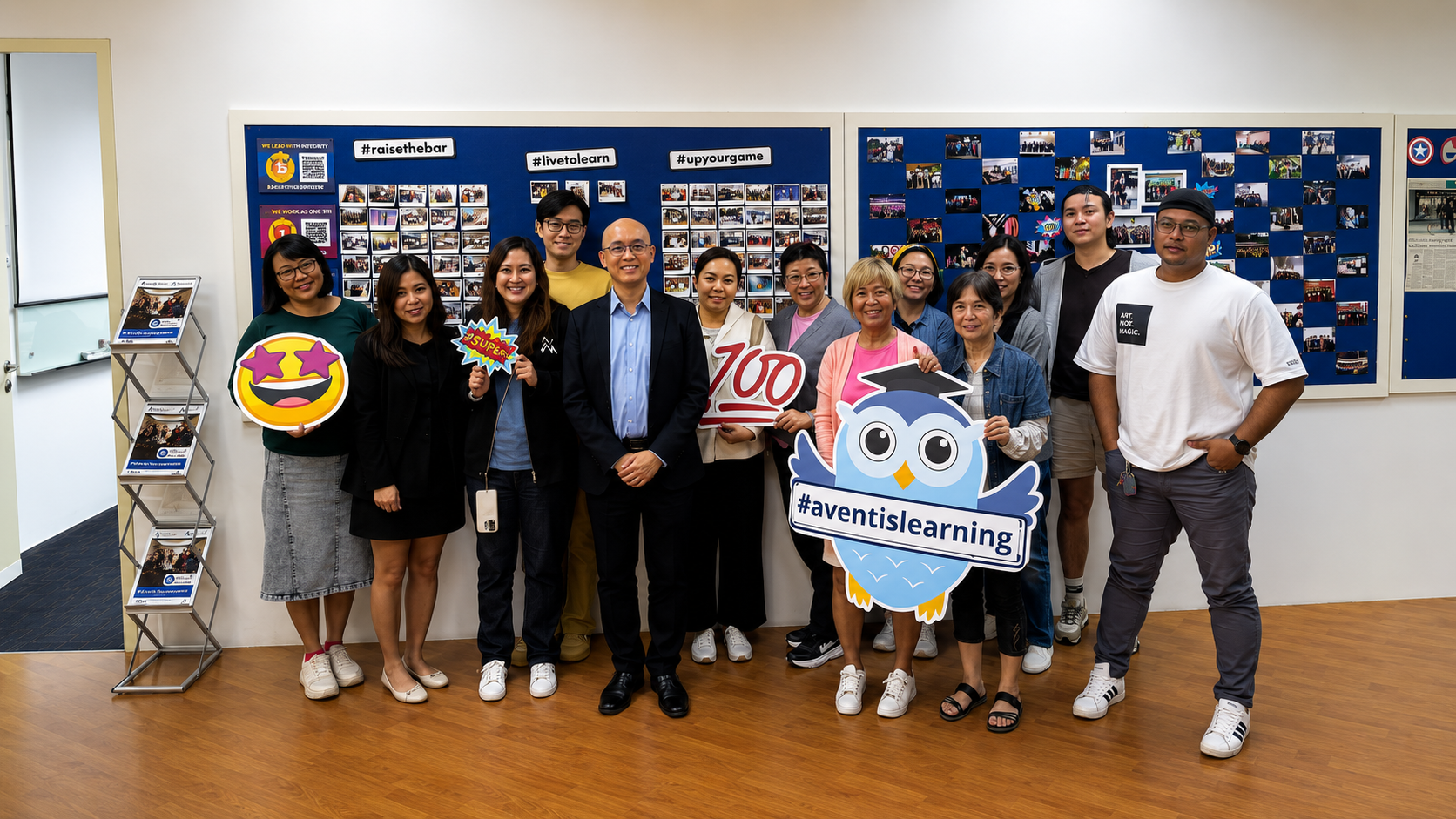
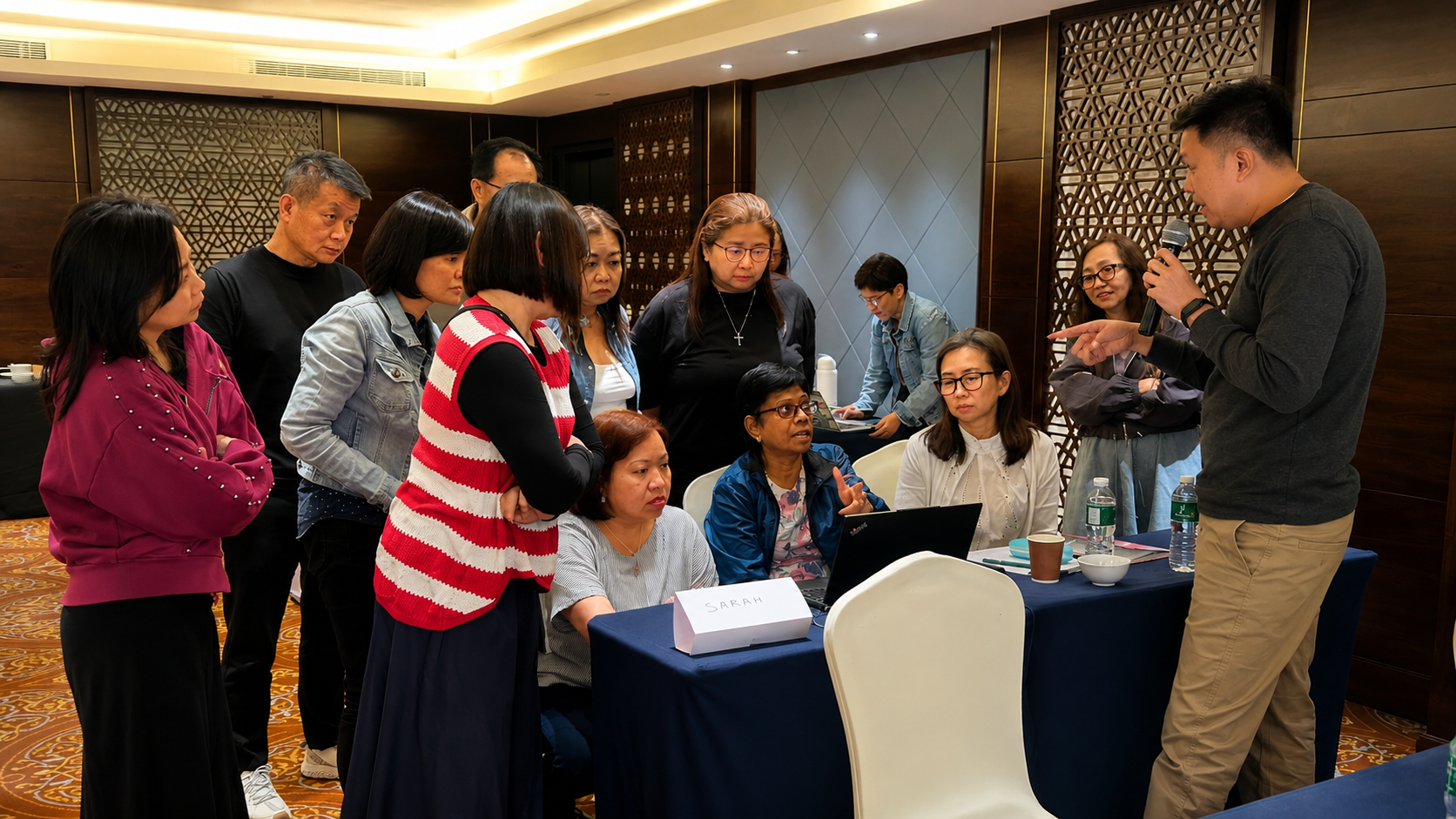
Classroom Learning
Learn in a live, instructor-led environment with hands-on exercises, real-world examples, and interactive discussions.

Complimentary Lunch
Enjoy complimentary lunch and refreshments during training, allowing you to focus fully on learning and networking.
*Please note that the training venue is subject to change due to venue/training room availability.
*Participants will be informed of any updates prior to the session.
Built for Different Industries
Curated programs for organizations looking to build practical digital capability across departments while keeping training closely tied to workplace use cases.

Accounting
Use Microsoft 365 Copilot to streamline financial reporting, reconciliation, and compliance workflows. Draft financial reports, audit summaries, and client emails faster. Automate Excel analysis for budgeting, forecasting, and variance tracking. Summarise financial regulations and compliance documents instantly.. Reduce time spent on repetitive administrative tasks.

Human Resources
Use Microsoft 365 Copilot to enhance hiring, onboarding, and employee engagement processes. Generate job descriptions, interview questions, and evaluation summaries. Summarise candidate profiles and internal HR documents quickly. Create onboarding materials and training content in minutes. Analyse employee feedback efficiently.

Operations
Use Microsoft 365 Copilot to optimise workflows, reporting, and internal coordination. Automate SOP documentation and process summaries. Generate operational reports and dashboards from Excel data. Summarise internal communications and meeting notes. Improve workflow tracking and task coordination.
Use Microsoft 365 Copilot to accelerate content creation, campaign planning, and reporting.
- Generate ad copy, social media content, and campaign ideas instantly
- Analyse campaign performance and turn data into insights
- Create presentations and reports from raw marketing data
- Summarise market research and competitor analysis
 Result: Faster content production, sharper insights, improved campaign performance
Use Microsoft 365 Copilot to enhance response time and service quality.
- Draft customer replies, FAQs, and support documentation
- Summarise customer issues and interaction history quickly
- Automate internal reporting of service performance
- Generate insights from customer feedback data
Result: Faster response times, improved customer satisfaction, consistent service quality
Use Microsoft 365 Copilot to support content creation and administrative tasks.
- Generate lesson plans, training materials, and assessments
- Summarise academic content and research papers
- Automate grading support and feedback generation
- Create presentations and reports for stakeholders
Result: Reduced admin workload, improved teaching efficiency, better learning delivery
Use Microsoft 365 Copilot to manage documentation and improve operational workflows.
- Summarise patient reports, policies, and medical documents
- Draft internal communications and administrative reports
- Analyse operational data for resource planning
- Streamline scheduling and coordination tasks
Result: Faster documentation, improved coordination, better operational efficiency
Use Microsoft 365 Copilot to manage documents, research, and case preparation.
- Draft contracts, legal memos, and client communications faster
- Summarise lengthy legal documents and case files
- Extract key insights from legal research materials
- Automate documentation and reporting workflows
Result: Reduced research time, faster documentation, improved legal productivity
Skills You Will Gain
We start with your capability gaps and design programs your teams can apply to real workflows, delivered in-house, online, or blended.
Clear, practical foundations of Microsoft Copilot. No technical background needed.
Save hours with Copilot workflows for emails, reports, meetings, and Teams.
Build polished PowerPoint slides and infographics using Copilot in minutes.
Sort, analyse, and make sense of large volumes of data in Excel, without writing a single formula.
Ready-to-use Copilot prompts and templates across Word, Excel, and Outlook.
Confidence to champion Copilot adoption across your team or organisation.
Course Fee & Subsidies
*Please note that a $20 non-refundable and non-claimable registration fee applies for all course registrations
*Prices quoted are inclusive of GST at the prevailing rate
Singapore Citizens
40 years old and above
Course Fee
$1,635.00
70% Subsidy
-$1,050.00
SFC Credits
-$585.00
Amount to Pay
$0
Singapore Citizens
Below 40 years old
Course Fee
$1,635.00
50% Subsidy
-$750.00
SFC Credits
-$885.00
Amount to Pay
$0
Permanent Residents /
Long Term Visitor Pass +
Course Fee
$1,635.00
50% Subsidy
-$750.00
Amount to Pay
$885.00
SkillsFuture Credits: Singaporeans aged 25 years old and above can use their SkillsFuture Credits to offset the remaining fees.
UTAP Support: In addition, NTUC members can utilize UTAP to offset 50% of remaining fees (capped up to $500 per year)
Corporate Training Cost Calculator
Calculate the estimated payable amount after course subsidies, GST, and SkillsFuture Enterprise Credits based on your selected course and team size.
Formula used: amount payable = 30% of course fee + 9% GST on the original course price. For eligible courses, SkillsFuture Enterprise Credits cover 90% of that payable amount, capped at $10,000.
Meet Your Trainers
Learn from Industry Practitioners

Kelvin Wu
Kelvin Wu is a globally recognized Generative AI consultant and Cybersecurity trainer with over 20 years of experience. As a dynamic educator and award-winning instructor, Kelvin excels at merging cutting edge technologies with robust frameworks, empowering organizations to adopt and implement AI responsibly and securely.
Course Outline
Module 1: Introduction to AI Copilot and its Transformative Potential
- Understanding AI Copilot and its core capabilities
- How Copilot integrates seamlessly into business operations
- Identifying departmental pain points and strategic opportunities for Copilot integration
Module 2: Planning for AI Copilot Integration
- Developing an AI Copilot Integration Roadmap
- Analyzing and optimizing workflows with M365 Copilot
- Defining functional and non-functional requirements for AI Copilot deployment
Module 3: Understanding Risks and Ethical Considerations
- Explore the dual nature of AI in financial services: innovation vs. risk
- Identify potential implementation and compliance risks
- Integrate Copilot within risk management frameworks and governance structures
- Apply mitigation strategies to ensure ethical, compliant, and responsible AI use
Module 4: Implementing AI Copilot Solutions
- Practical deployment strategies for M365 Copilot
- Customizing AI Copilot for Financial Use
- Change management strategies to drive effective user adoption
- Effective Communication Plans for Rollout Success (Pre-launch, Launch Day, Post Launch)
Module 5: Safe Online Practices
- Measure Copilot’s effectiveness using KPIs and performance metrics
- Interpret performance data and extract key process insights
- Evaluate overall value of Copilot in Word, Excel, PowerPoint, and Teams
- Identify common faults, errors, and suboptimal outputs
- Establish reporting mechanisms to escalate issues to technical teams
- Apply strategies to ensure policy adherence and optimal performance
Module 6: Optimizing AI Copilot for Financial Workflows
- Refine and optimize Copilot workflows using performance data and user feedback
- Identify new opportunities for AI integration and process improvement
- Explore advanced functionalities and emerging trends in AI Copilot technology
- Drive adoption and scalability of AI solutions across the organization
Achieve Mastery in Microsoft 365 Copilot Today
Earn industry-recognized credentials that validate your skills and enhance your professional credibility.
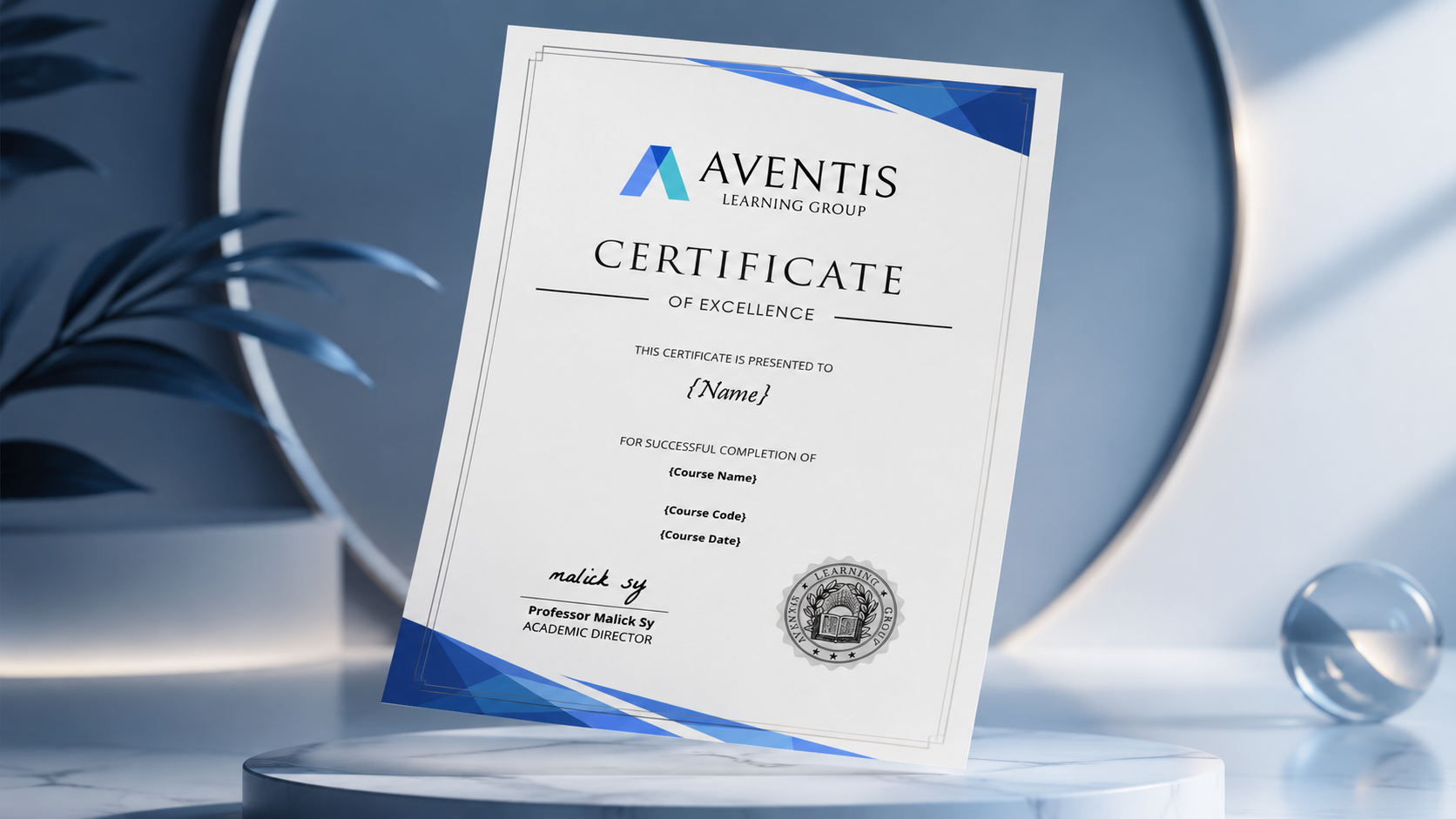
Certificate
Upon successfully completing the Mastering Microsoft 365 Copilot (Financial Services Edition) - Work Faster, Think Smarter, Stay Compliant course at Aventis Learning Group, you will receive an IBF-accredited certification recognized by employers in Singapore. This certification serves as a testament to your expertise in Microsoft 365 Copilot, helping you showcase your skills to potential employers and professional networks.
Bonus Tip: Display your certification on LinkedIn to strengthen your professional profile and capture the attention of potential employers.
FAQ
Microsoft Copilot is an AI-powered assistant integrated across Microsoft 365 apps such as Word, Excel, PowerPoint, Outlook, and Teams. It helps users work smarter by generating text, analyzing data, summarizing information, and automating repetitive tasks, all while keeping data secure within your organization’s Microsoft ecosystem.
This course has been accredited as a IBF course and is eligible for funding under the SkillsFuture funding, subject to all eligibility criteria being met. Participants are advised to assess the suitability of the course and its relevance to his/her business activities or job roles. The SkillsFuture Funding provides 50% - 70% course fee subsidy support for direct training costs subject to all eligibility criteria being met.
Find out more on https://www.myskillsfuture.gov.sg/content/portal/en/career-resources/career-resources/education-career-personal-development/SkillsFuture_Funding.html
Yes. For self-sponsored Singaporeans aged 25 years old and above, you can use your SkillsFuture Credit to offset the remaining course fees after IBF funding.
To check your SkillsFuture credit balance, please follow these steps:
- Go to https://myskillsfuture.gov.sg
- Click on ‘Submit SkillsFuture Credit Claims’
- Login with your SingPass
- Click on the arrow (>) at the top right hand corner. You will be able to see a drop-down list of your Available SkillsFuture Credits.
After you have registered for a course, an Aventis representative will reach out to guide you with the SkillsFuture Credits application process.
*Please note that our courses do not qualify for the ‘Additional SkillsFuture Credit (Mid-Career Support).’ You can only use credits from ‘SkillsFuture Credit’ and the ‘One-off SkillsFuture Credit Top-Up.’Yes, all our courses are eligible for Union Training Assistance Programme (UTAP) Funding. NTUC Union members can use UTAP to offset 50% of unfunded course fees (capped at $500 per year).
This claim must be done after completion of the course. Please refer to the UTAP FAQ for more information.
Yes, both can be utilized concurrently. UTAP claims are processed after SkillsFuture Credits have been applied.
Illustrative Example:
- Total Course Fee: $1,000
- IBF Subsidy (70%): $700
- Remaining Fee: $300
- SkillsFuture Credit Applied: $200
- Out-of-Pocket Expense: $100
- UTAP Reimbursement (50% of $100): $50
- Final Cost After Reimbursements: $50
A laptop is required for this course.